Horizontal purple gradient banner transitioning from blue-purple to pink-purple, used as a background Horizontal purple gradient banner transitioning from blue-purple to pink-purple, used as a background
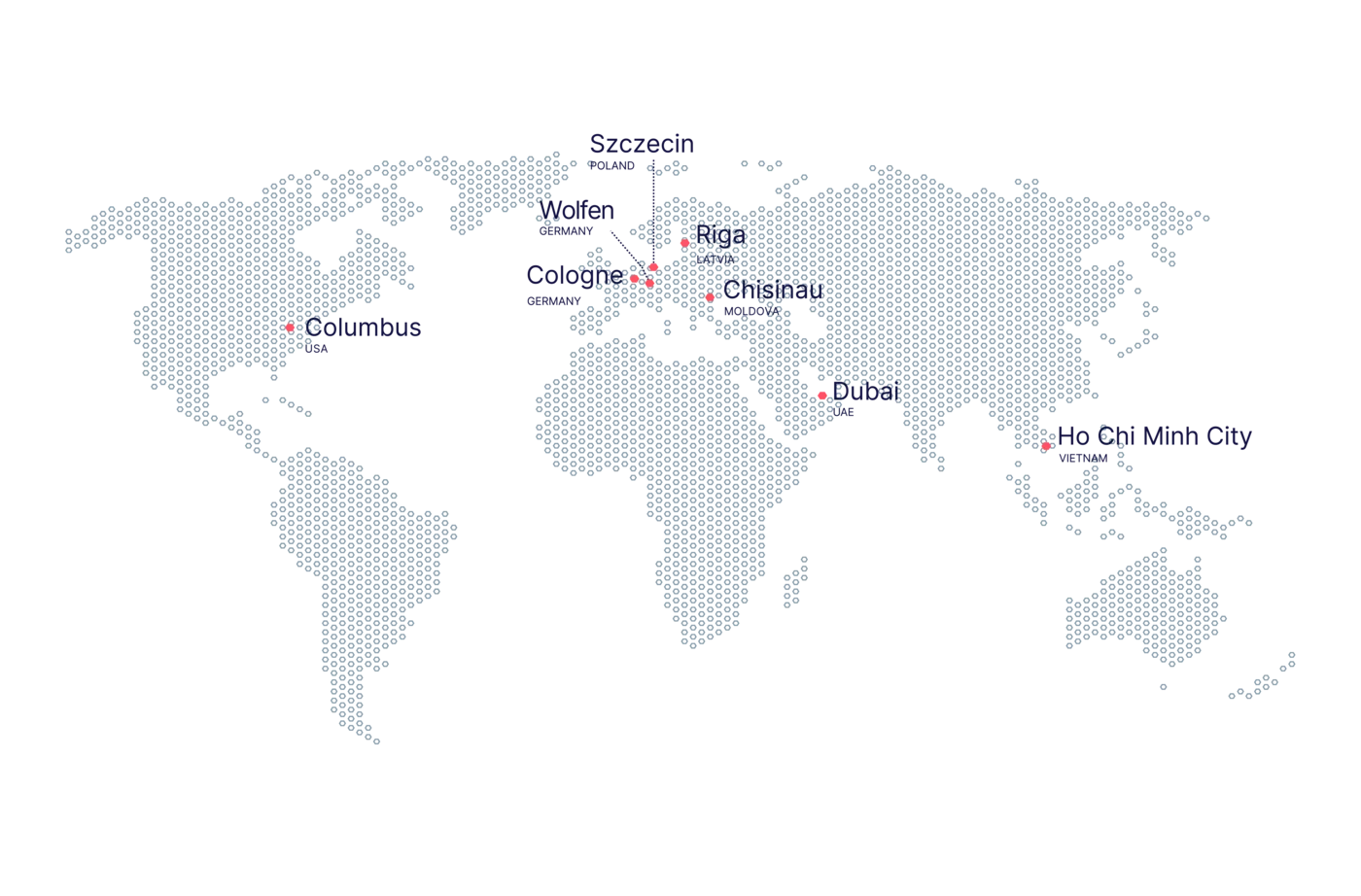
Local Production Sites in the USA & EU!
No customs fees and delays - just fast and effective fulfilment to scale!


More than 500,000 premium products manufactured daily for commercial and private customers.

Explore
FEATURE
Back to All Posts
Marketing

How to Create Sublimation Designs: A Complete Step-by-Step Guide

Want to create stunning sublimation designs but don’t know where to begin? You’ve come to the right place.

Sublimation printing is one of the most versatile and vibrant printing methods available today — and when combined with a professional print-on-demand partner like merchOne, it becomes a powerful tool for building a profitable product line. Whether you’re an experienced graphic designer or just getting started, this guide will walk you through everything you need to know.

By the end, you’ll know exactly how to create sublimation designs that look professional, sell well, and hold up wash after wash. With merchOne’s local production sites in the USA and EU, your designs go from screen to doorstep faster than ever — with no customs fees or delays.

Let’s get into it.

How to Create Sublimation Designs • merchOne

What Is Sublimation Printing?

Sublimation printing is a process where a design is first printed onto special transfer paper using sublimation inks, then transferred onto a product using heat and pressure. The heat causes the ink to turn into gas and bond permanently with the material at a molecular level — resulting in incredibly vivid, long-lasting prints.

Because the ink becomes part of the fabric rather than sitting on top of it, sublimation designs don’t crack, peel, or fade the way traditional prints can. It’s also more eco-friendly than many alternatives, using less water and requiring no toxic discharge.

This technique works best on polyester-based fabrics and poly-coated hard goods like mugs, phone cases, and mousepads. It’s also the go-to method for all-over print products that require coverage from seam to seam.

With merchOne’s AI-empowered platform and professional-grade production facilities, you can bring sublimation designs to market quickly and at scale.

How to Create Sublimation Designs — Step by Step

Step 1: Brainstorm Your Design Concept

Every great sublimation product starts with a great idea. Because sublimation covers the entire surface of a product, you have creative freedom that other printing methods simply don’t allow. Think bold patterns, seamless repeating textures, gradient color washes, or photographic-quality artwork.

When looking for inspiration, browse Pinterest boards for all-over print apparel, sportswear, and home goods. Look at trending products on Etsy and Redbubble, or explore niche communities — gaming, yoga, outdoor sports, pets — and identify what visual styles resonate with those audiences.

When brainstorming, think about your target market first. A sublimated beach towel for a surf brand will look very different from an all-over-print hoodie for a gaming community. Defining your audience will guide your design decisions and make your products much easier to sell.

Pro tip: Sublimation is ideal for businesses that want to offer unique, hard-to-replicate products. If you’re building a brand on merchOne, consider creating a cohesive collection with a consistent visual identity across multiple products.


Step 2: Choose Your Design Tool

To create sublimation-ready artwork, you need software that can produce high-resolution raster images. Here are the top options:

Adobe Photoshop

Photoshop remains the gold standard for sublimation design. It handles complex layering, photo manipulation, and color adjustments with precision. If you’re creating photorealistic or richly detailed designs, Photoshop gives you the most control. It has full support for PSD templates, advanced color management tools including sRGB profiles and color correction, and the ability to work with very large, high-resolution canvases. Photoshop is available through Adobe Creative Cloud and has a steeper learning curve, but the results are hard to beat for serious designers.

Canva

Canva is a browser-based design tool that’s beginner-friendly and surprisingly powerful. With millions of templates, graphics, and fonts built in, it’s easy to create polished designs even without formal design training. Canva is a great choice if you’re just getting started, need to produce designs quickly, or want an intuitive drag-and-drop interface. Keep in mind that you’ll want to double-check your export settings to ensure your file meets the size requirements for your chosen products.

Adobe Illustrator

For designs that rely heavily on vector elements — logos, text, geometric patterns — Illustrator is an excellent starting point. While sublimation files ultimately need to be rasterized for production, designing in vectors first gives you the flexibility to scale without losing quality.

Procreate (iPad)

If you love hand-drawn aesthetics, Procreate on iPad is a fantastic tool for creating original sublimation artwork. Many independent designers build entire product lines from Procreate illustrations. Export as a high-resolution PNG and you’re ready to go.

The honest answer on which tool to use is: the one you’re most comfortable with. What matters most is that your final exported file meets the technical requirements.


Step 3: Follow Sublimation Design Guidelines

This step is critical. No matter how beautiful your design looks on screen, it needs to be prepared correctly to print well. Here are the key technical guidelines to follow when creating sublimation designs:

File format and resolution: Export your design as a PNG or JPEG file. Minimum resolution is 150 DPI, with 300 DPI recommended for best quality. Use an sRGB color profile to ensure colors are accurately reproduced during the printing process.

Design coverage: For all-over print apparel, use full-bleed images that extend to the edges of the template. This prevents white borders from appearing on the finished product. Keep important design elements like logos, faces, and text within the safe zone of the template to avoid them being lost in seams.

Color considerations: Sublimation printing reproduces colors brilliantly on white or light-colored polyester — but it cannot print white. Any white areas in your design will show the base color of the product. If your design includes very dark backgrounds, test how it looks on actual fabric before launching.

Cut and sew specifics: For cut-and-sew all-over print products, be aware that pattern alignment from front to back is not guaranteed. Graphics near seams or panel edges may shift slightly — factor this into your layout from the beginning.

Always review the specific product guidelines in your merchOne dashboard before finalizing your design. Each product has its own template and print area specifications.


Step 4: Pick the Right Sublimation Products

Not all products are created equal when it comes to sublimation. For ink to bond with the substrate, the material must be either polyester-based for textiles, or poly-coated for hard goods. Here’s a breakdown of popular sublimation product categories:

Apparel: All-over print t-shirts and hoodies work great with polyester blends, and 100% polyester gives the most vibrant results. Swimwear and activewear are especially popular with sublimation because the print handles stretching without cracking. Leggings and yoga pants are a top-selling category for niche fitness brands.

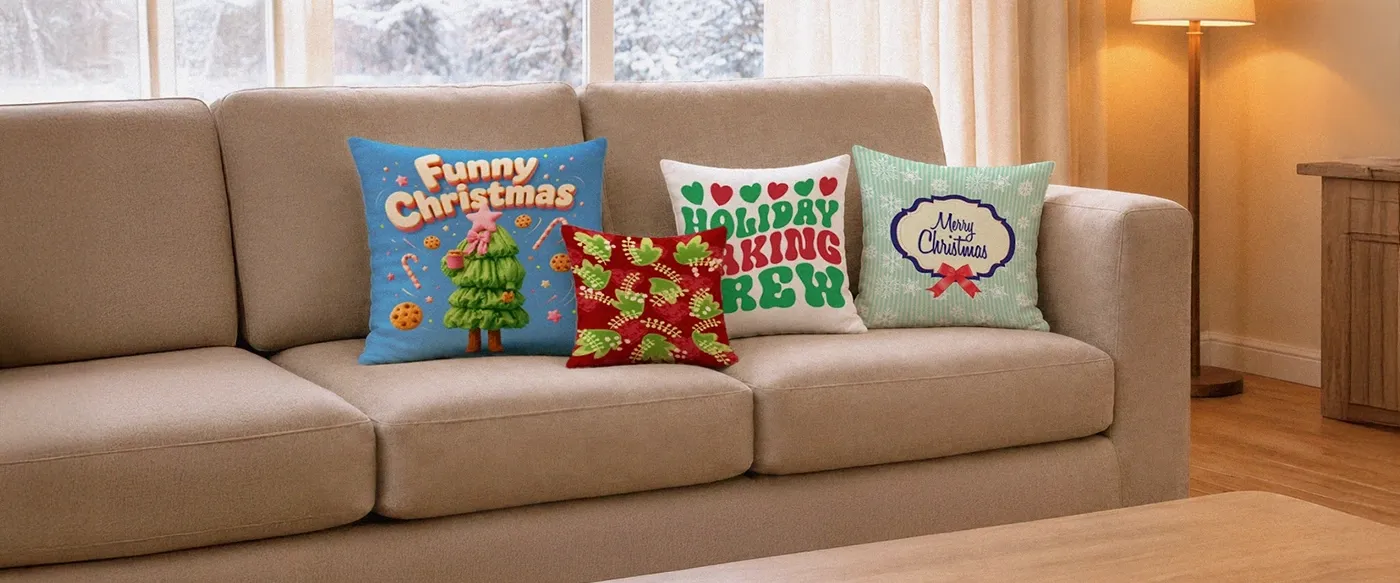
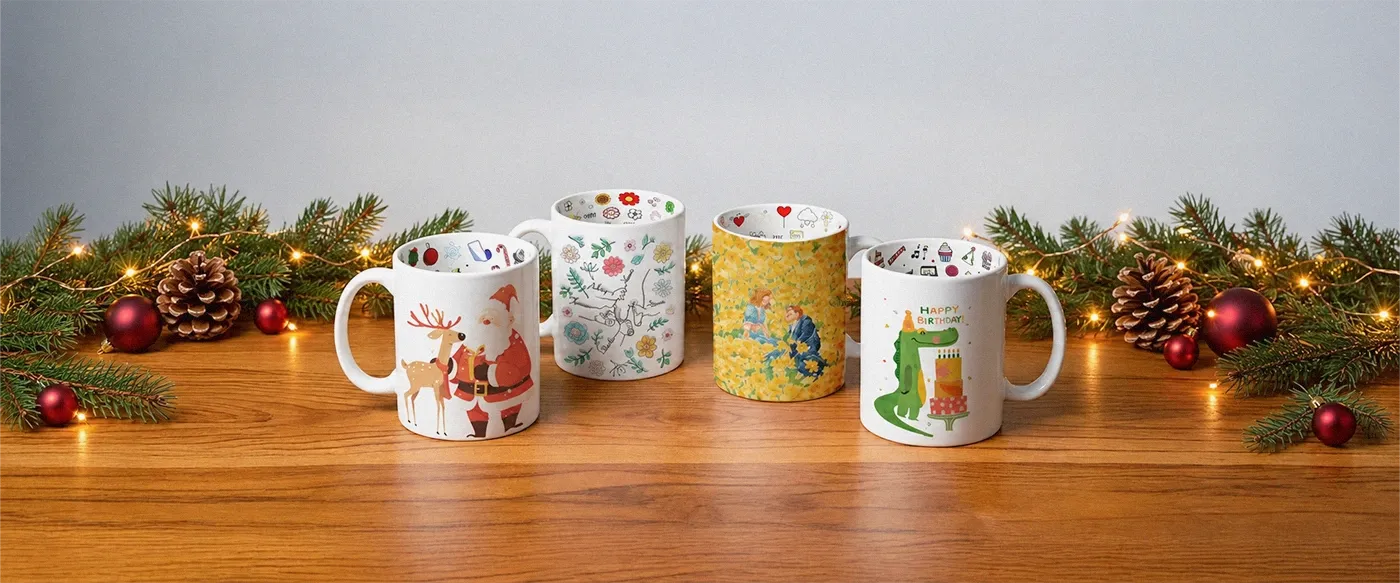
Home and lifestyle: Ceramic mugs are a classic sublimation product — affordable, easy to sell, and great for gift markets. Mousepads and desk mats are popular in gaming and creative professional niches. Throw pillows allow for large, expressive designs, while beach towels offer high perceived value and excellent seasonal selling potential.

Accessories: Tote bags with polyester fabric panels, sublimation-coated phone cases, and custom socks are among the most-searched print-on-demand items and worth including in any sublimation product catalog.

When choosing products for your merchOne store, define your niche first, then select products that your target audience already buys. A design built around a specific community will always outperform a generic design, no matter how beautiful it looks.


Step 5: Use Product Templates for Accuracy

This is where many beginners go wrong. Designing without a product template often leads to misaligned prints, designs that get cut off at seams, or artwork that ends up in unexpected places on the finished product.

A product template is a layered file, usually in PSD format, that shows you exactly where the printable area is on a specific product — including the safe zone where your key design elements should stay, the bleed area covering the full extent of the printed surface, and seam lines and panel boundaries.

To use templates effectively, download the template for your chosen product and open it in Photoshop or a compatible program. Create your design on a new layer below the guideline layer, and use the safe zone markers to position your key elements. Before exporting, always delete or hide the guideline layers — only your design artwork should be in the final file.

One of the best parts of working with sublimation templates is the ability to experiment with different design treatments across product panels. On an all-over print hoodie, for example, you can design the front with a bold graphic, the sleeves with a complementary pattern, and the hood interior with a contrasting color — all visible in the template before you commit to printing.


Step 6: Order Samples Before You Sell

Before adding any sublimation product to your store, order a sample. This is non-negotiable if you’re serious about building a professional brand.

Samples matter for several reasons. They let you verify color accuracy, since colors can look different on screen versus on fabric. They confirm placement, so you can see that the design is positioned exactly as intended. They provide quality assurance before your customers ever see the product. And perhaps most practically, physical samples make excellent material for lifestyle product photography for your store listings.

With merchOne’s high-standard local production facilities, what you see in the preview is typically very close to the finished product — but sampling is still a best practice worth building into your workflow.

When evaluating your sample, check the print under natural light and artificial light, and after a machine wash. A quality sublimation print should retain its vibrancy even after multiple washes.

It’s Time to Start Designing

You now have everything you need to create professional sublimation designs and bring them to market. Here’s a quick recap of the key steps: brainstorm with your target audience in mind; choose the right design tool for your skill level; follow the technical file guidelines including PNG or JPEG format, sRGB color profile, and 150+ DPI; pick products that match your niche; always design within the official product template; and order samples to verify quality before going live.

The beauty of sublimation printing is that your creativity is the only real limit. With merchOne handling production, fulfillment, and shipping from local facilities in the USA and EU, you can focus entirely on what matters most: creating designs that people love.

Ready to get started? Sign up for merchOne today and turn your sublimation designs into a real business.

Frequently Asked Questions

What is the best software to create sublimation designs?

The best software depends on your experience level and design style. Adobe Photoshop is the top choice for professional results and full template compatibility. Canva is ideal for beginners who need a quick, intuitive tool. Procreate works beautifully for hand-drawn illustration styles. All three can produce print-ready sublimation files when used correctly.


What file format should I use for sublimation designs?

PNG is the recommended format for most sublimation projects because it supports transparent backgrounds and maintains image quality without compression artifacts. JPEG is also acceptable for full-coverage designs without transparency. In both cases, make sure your file is at least 150 DPI and saved in the sRGB color profile.


Can you use Canva to make sublimation designs?

Yes! Canva is a popular choice for creating sublimation designs, especially among beginners. You can use its templates, graphics, and text tools to design your artwork, then export as a PNG. Just make sure your dimensions match the product template requirements before uploading to your merchOne dashboard.


What products work best for sublimation printing?

Sublimation works best on polyester-based textiles and poly-coated hard goods. Top-performing sublimation products include all-over print hoodies and t-shirts, activewear, leggings, mugs, mousepads, pillows, and beach towels. For apparel, a higher polyester content means more vibrant and durable colors.


What’s the difference between sublimation printing and DTG printing?

Sublimation printing covers the entire product surface and produces extremely vibrant, long-lasting results — but it only works on white or light-colored polyester materials. DTG (direct-to-garment) printing works directly on cotton and cotton-blend garments and is better suited for designs that don’t need to cover the whole product. For all-over prints on polyester, sublimation is the clear winner. For designs on colored cotton tees, DTG is the right choice.

author avatar
Ngan Le SEO Specialist
SEO Specialist in the ecommerce and fulfillment industry, focused on driving organic growth and optimizing marketing campaigns to maximize sustainable sales performance. Passionate about data-driven strategies, search optimization, and conversion improvement to help brands scale effectively.