Horizontal purple gradient banner transitioning from blue-purple to pink-purple, used as a background Horizontal purple gradient banner transitioning from blue-purple to pink-purple, used as a background
Local Production Sites in the USA & EU!
No customs fees and delays - just fast and effective fulfilment to scale!


More than 500,000 premium products manufactured daily for commercial and private customers.

Explore
FEATURE
Back to All Posts
Partnerships

How merchOne Sellers Can Sell Custom Merch with Teeinblue Personalization

Custom merch is print on demand that the customer designs at checkout – adding a name, uploading a family photo, picking a font and color – rather than buying a fixed design off the shelf. For merchOne sellers, Teeinblue is the personalization app that adds this capability to a Shopify store. It connects to merchOne through an API, generates the print file from the customer’s input, and sends each order directly to production after a quick dashboard review. This guide covers why personalization changes the economics of a merchOne store, how to set up the Teeinblue connection, which of the 71 integrated products sell best, the Gen AI Image trend reshaping the category, and the most common launch mistakes new sellers make. 

Sell Custom Merch with Teeinblue & merchOne • merchOne

Key takeaways 

  • Teeinblue is one of merchOne’s API-integrated personalization apps for Shopify, with catalog browsing, one-click product import, automated order routing, and tracking sync built in. 
  • 71 merchOne products are ready to personalize inside Teeinblue: 26 wall decoration, 30 home decor and accessories, 12 apparel, and 3 pet products. 
  • The setup takes just 10–15 minutes with simple steps. Each new integration requires its own dedicated merchOne store. 
  • The bestsellers across Teeinblue-merchOne stores are Canvas, Poster, Classic Mug, Premium Pillow, Framed Poster, Standard Blanket, Metal Print, and Cotton Pillow. Canvas leads by a wide margin. 
  • Gen AI Image Effects (Canvas/Poster + AI-styled customer photos) is one of the fastest-growing personalization trends on Teeinblue, with integrations across OpenAI, Flux Kontext, and Gemini AI providers. 
  • A test order combined with the DPI warning on photo uploads prevents most refund requests on new personalized products. 
  • Technavio projects the personalized gifts market will grow by $14.98 billion at an 8.35% CAGR from 2023 to 2028. 

Why does custom merch matter for merchOne sellers? 

Personalization offers two advantages that fixed designs can’t match. The first is competitive protection: when every order ships with a different name, date, or photo, competitors can’t easily replicate the listing. The second is pricing power. On Etsy and Shopify, personalized canvases routinely list 30 to 50% above their plain equivalents. 

The seasonal fit reinforces both advantages. Mother’s Day, Father’s Day, Christmas, and Valentine’s Day all reward gifts that feel personal to the recipient. A canvas with “Happy 50th, Dad” carries a different meaning than a generic wall print, and shoppers price it accordingly. merchOne’s catalog covers the four categories where personalization performs strongest: wall decoration, home decor and accessories, apparel, and pet products. Teeinblue’s personalization layer applies to all four the same way, so a design pattern that works on a canvas can extend to mugs, pillows, or blankets without rebuilding from scratch. The category is also expanding – Technavio projects the personalized gifts market will grow by $14.98 billion at an 8.35% CAGR from 2023 to 2028. 

Exclusive offer for merchOne sellers

Get 50% off Teeinblue for your first month

Install Teeinblue on Shopify through the link below and the 50% discount applies automatically for one month.

Install Teeinblue →

Discount auto-applies through this link only.

How does Teeinblue work with merchOne? 

Teeinblue is one of merchOne’s API-integrated personalization apps for Shopify. Once a Teeinblue account is connected to a merchOne store, four operations run automatically: 

  • Catalog browsing inside Teeinblue. The full merchOne catalog is searchable directly within the Teeinblue app, without opening a separate tab. 
  • One-click product import. When you import a merchOne product, the mockups, sizes, frame options, SKUs, base prices, and print area dimensions all populate automatically. 
  • Direct order routing. A customer checks out on Shopify, the order moves through Teeinblue to merchOne via API, and no CSV exports or manual file uploads are required. 
  • Tracking sync. When merchOne ships an order, the tracking number flows back through Teeinblue and updates the corresponding Shopify order automatically. 

This automation matters most during peak season, when order volume can grow 5 to 10 times within a few days. File generation, dispatch, and tracking all stay automated. The only manual step is the order review inside the Teeinblue dashboard, where you confirm the customer’s personalization details and click Send. The order then moves into merchOne’s production queue. 

How to set up the Teeinblue-merchOne integration 

How to set up the Teeinblue-merchOne integration  • merchOne

The integration takes 10 to 15 minutes to set up and requires admin access to both accounts. One rule applies upfront: each new integration needs its own dedicated merchOne store, so existing stores can’t be reused. 

The setup runs in nine steps: 

  • Log in to the merchOne dashboard and go to Stores. 
  • Click Create under “Create your custom store”. 
  • Enter the store name, your Shopify subdomain URL, the selling region, and select Teeinblue as the integration type. 
  • Open the new store’s Settings. 
  • Copy the API USER and API KEY from the Store credentials section. 
  • In Teeinblue, paste the credentials in this format: API USER:API KEY 
  • Copy the Webhook URL that Teeinblue displays. 
  • Paste the Webhook URL back into the merchOne store settings so your store can automatically receive order tracking updates. 
  • Save the changes on both sides. 

The connection goes live the moment both sides save. The merchOne catalog becomes browsable inside Teeinblue, and any orders placed from this point on flow between the two platforms automatically. 

merchOne products available on Teeinblue 

merchOne products available on Teeinblue  • merchOne

71 merchOne products are currently integrated with Teeinblue and available for direct personalization. The catalog covers four categories: 

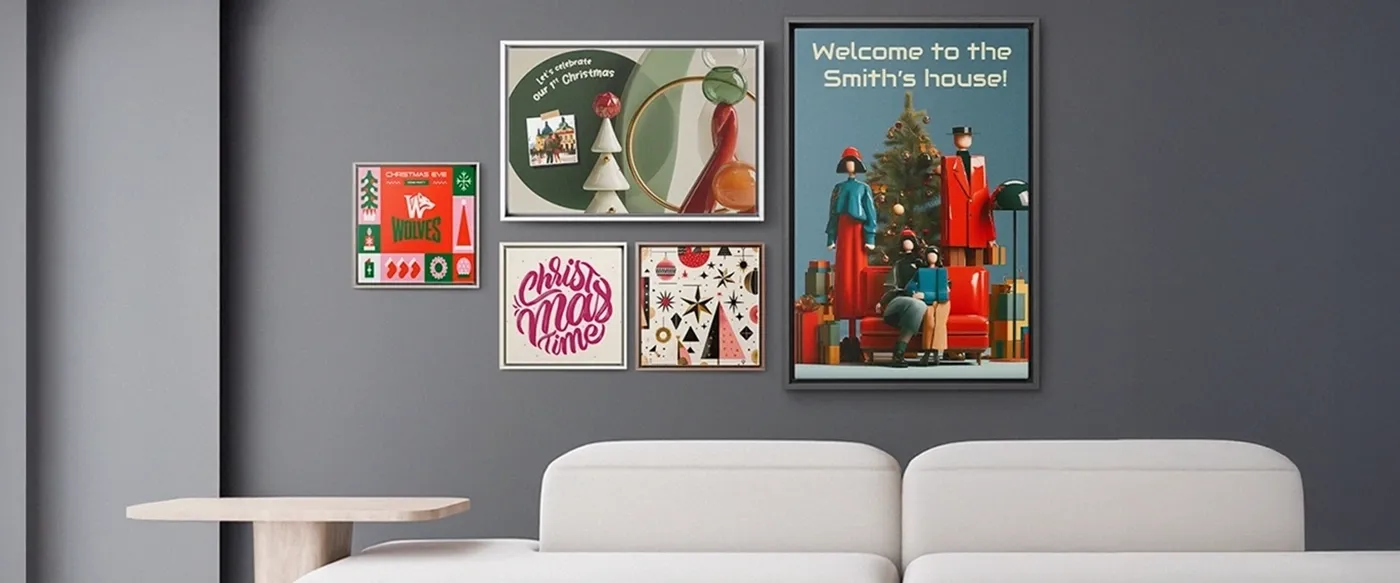
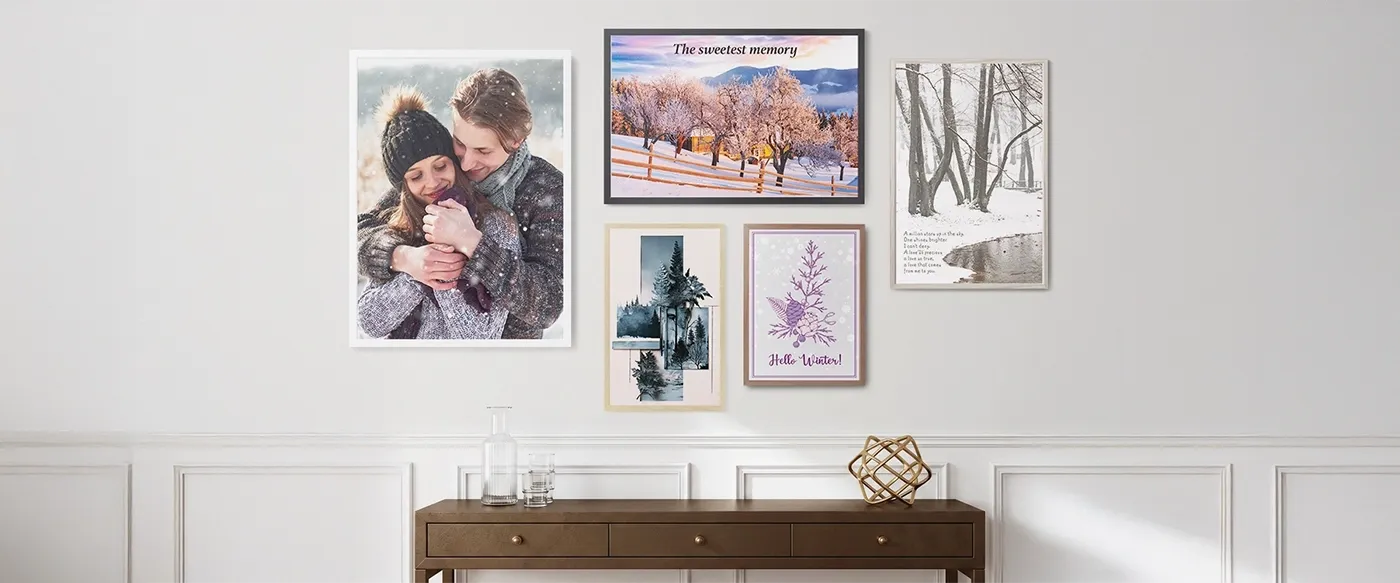
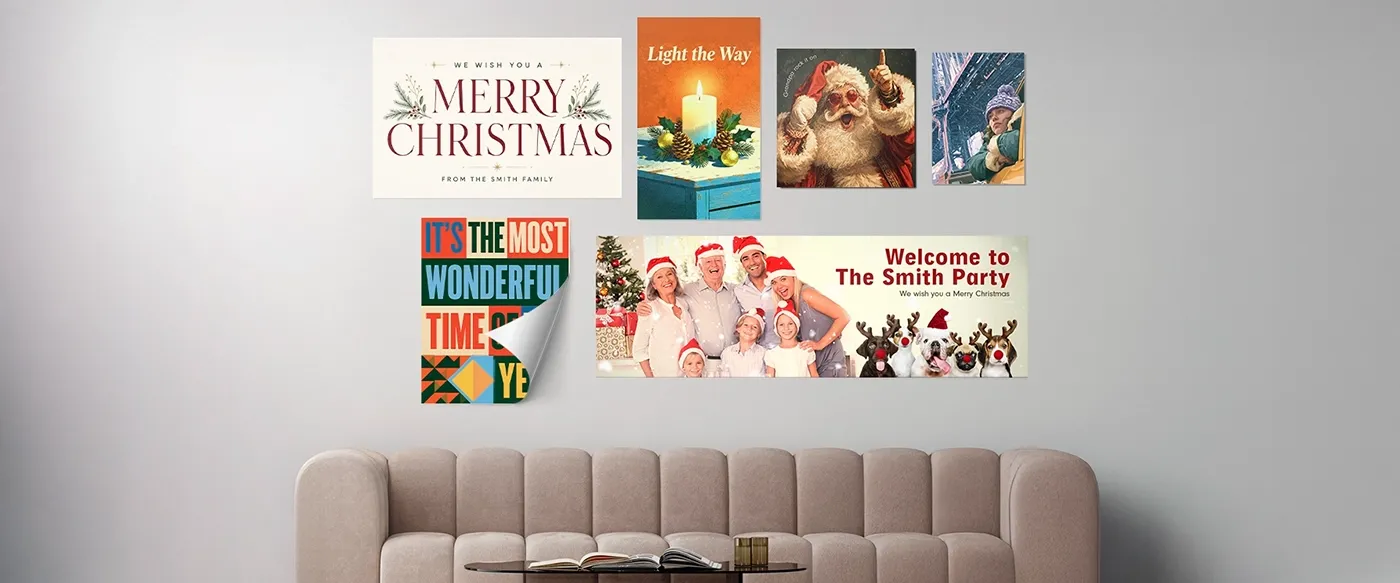
  • Wall Decoration (26 products): Canvas, Acrylic Print, Premium Acrylic Print, Acrylic Print on Metal, Metal Print, Metal Print (Gloss Finish), Photo Board, Framed Photo Board, Passepartout, Wood Panel, Wood Block, MixPix, Canvas Wall Hanging, Poster, Poster GM, Framed Poster, Adhesive Poster, Wall Tapestry, Round Photo Print, Table Top Print, Framed Floating Photo, Framed Fabric Wall Art, Kids Measuring Bar, Metal Door Plate, Acrylic Block, Acrylic Heart. 
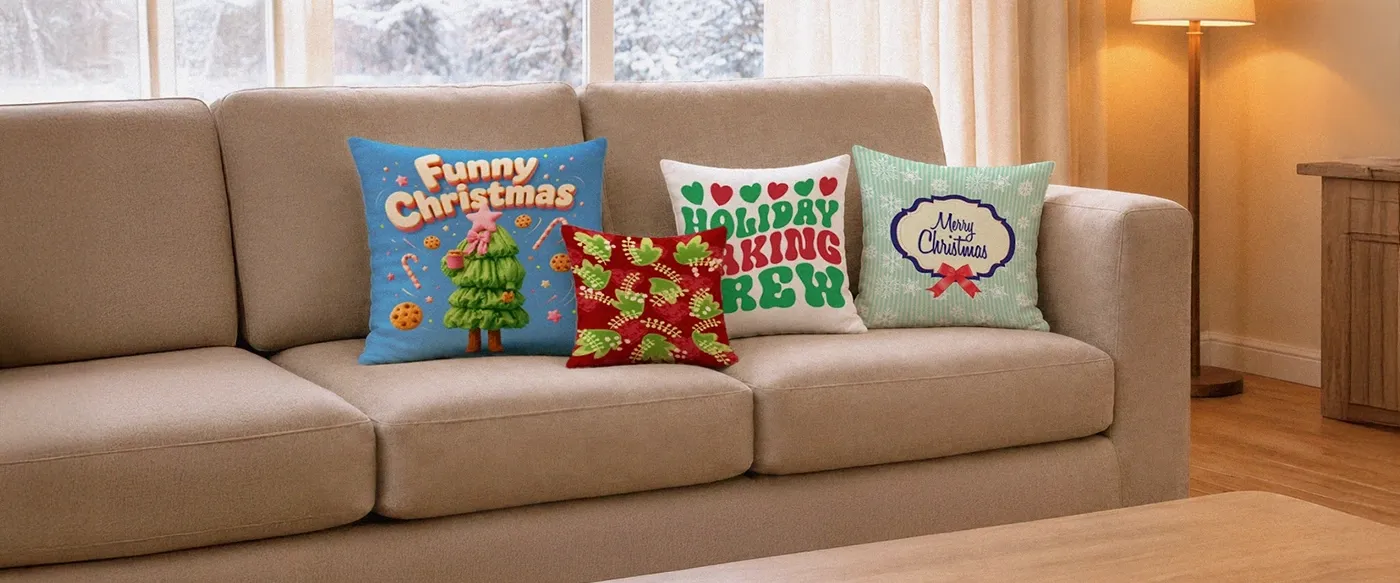
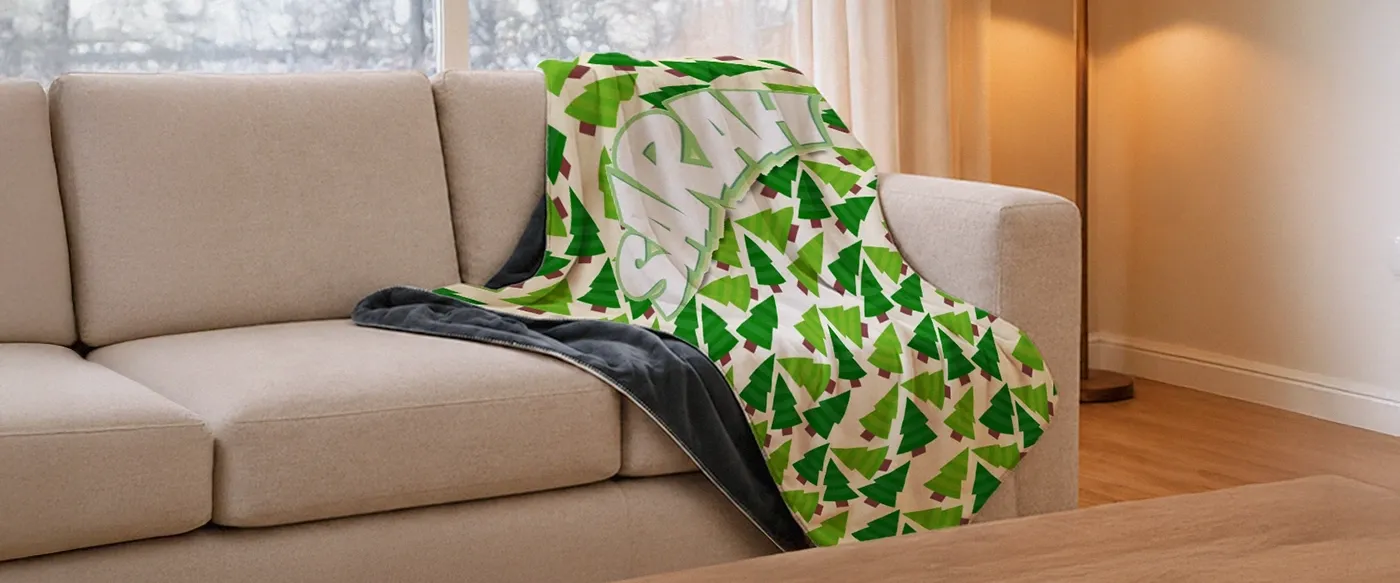
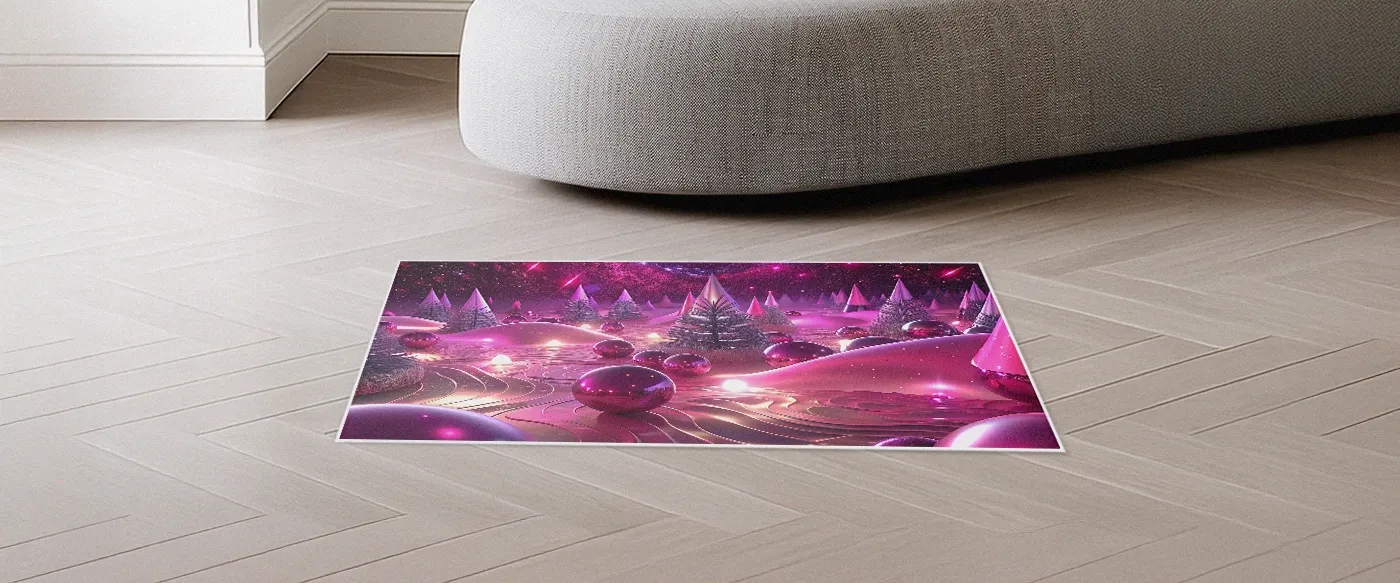
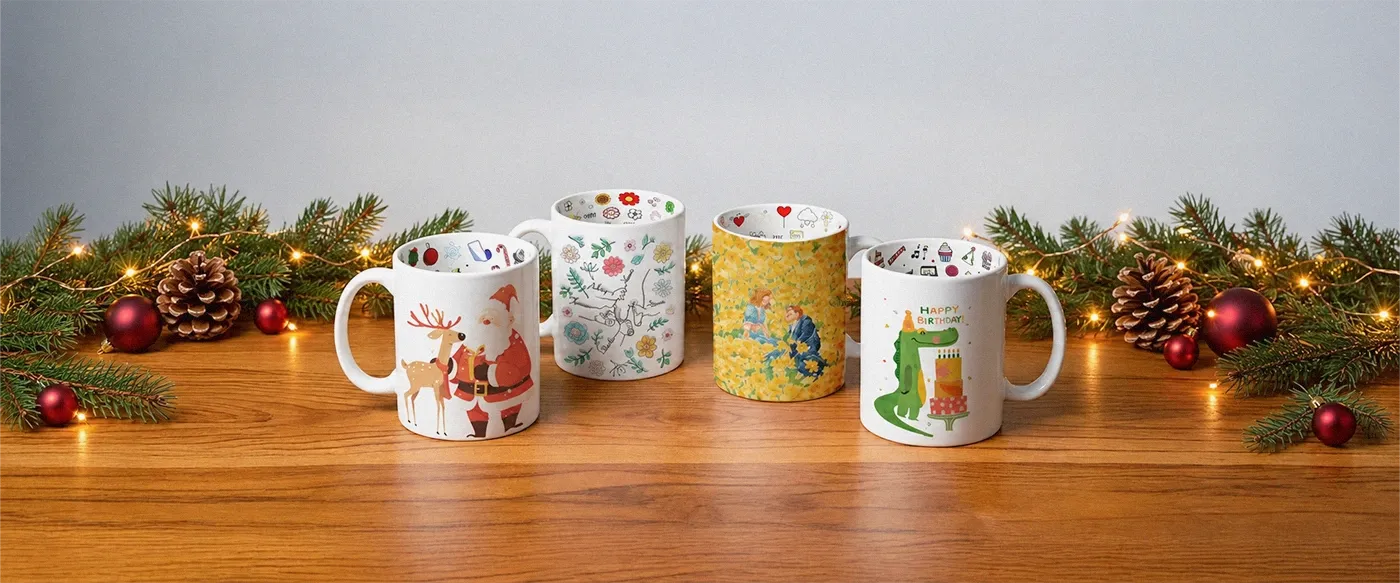
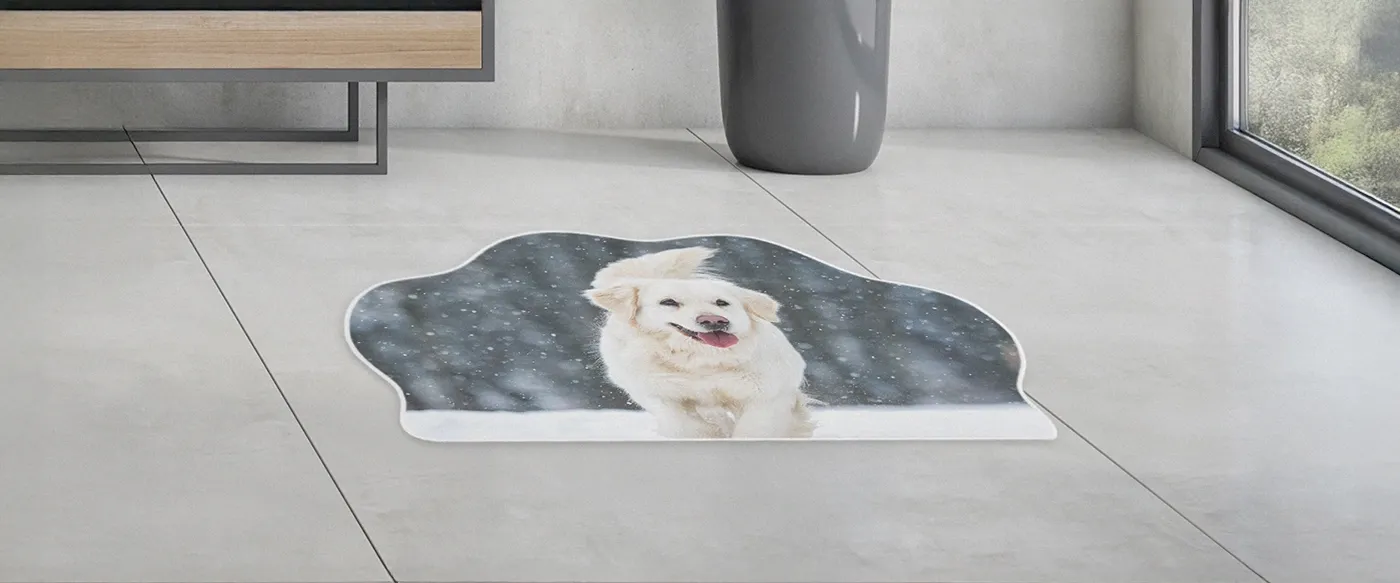
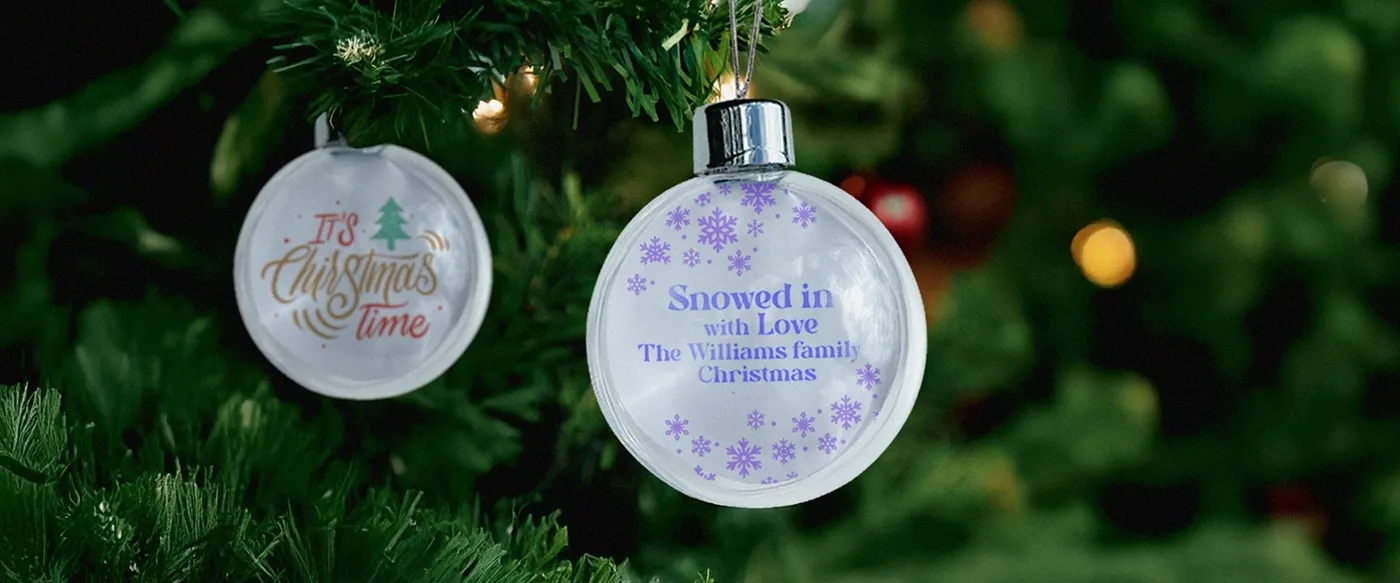
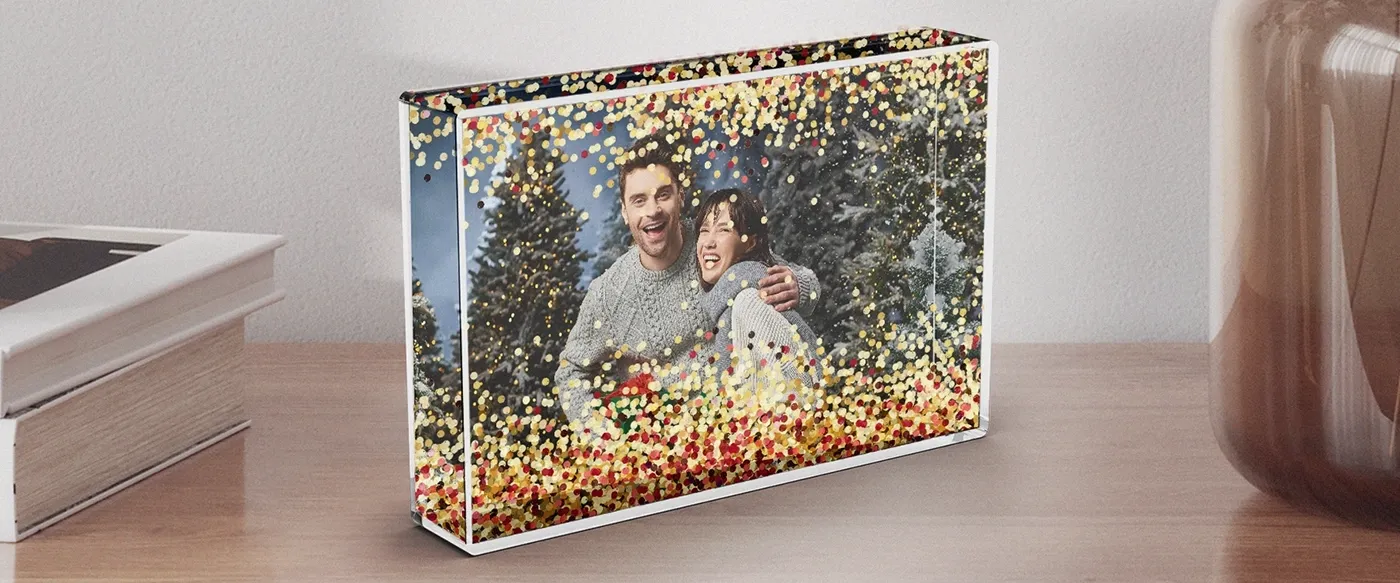
  • Home Decor & Accessories (30 products): Classic Mug, Mug Premium, Magic Mug, Enamel Mug, Heart Mug, Travel Mug, Inner Colored Mug with Colored Handle, Seasonal Mug, Premium Pillow, Standard Pillow, Cotton Pillow, Premium Pillow Cover, Premium Blanket, Standard Blanket, Bed Linen, Cotton Bed Linen, Towel, Sports Towel, Rug, Shaped Rug, Tote Bag, Puzzle, MIXBLOX, Mouse Pad, Notebook, Snow Globe Picture Frame / Glitter Picture Frame, Heart Keyring, Rectangular Keyring, Window Blinds (Daylight), Window Blinds (Blackout). 
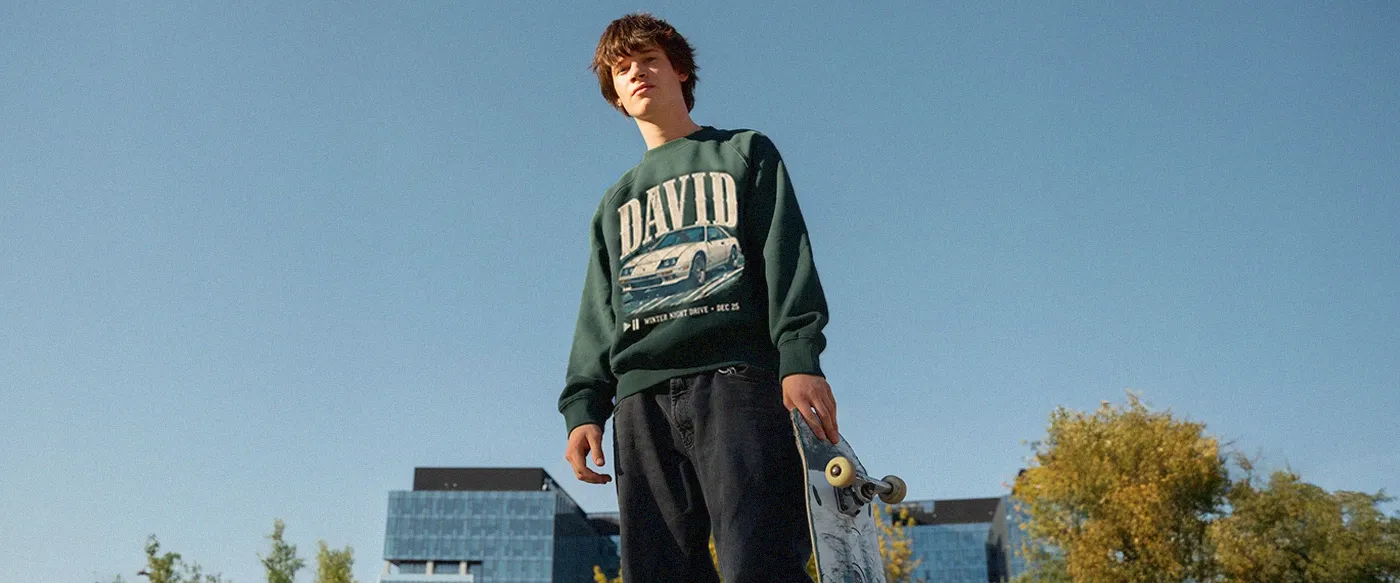
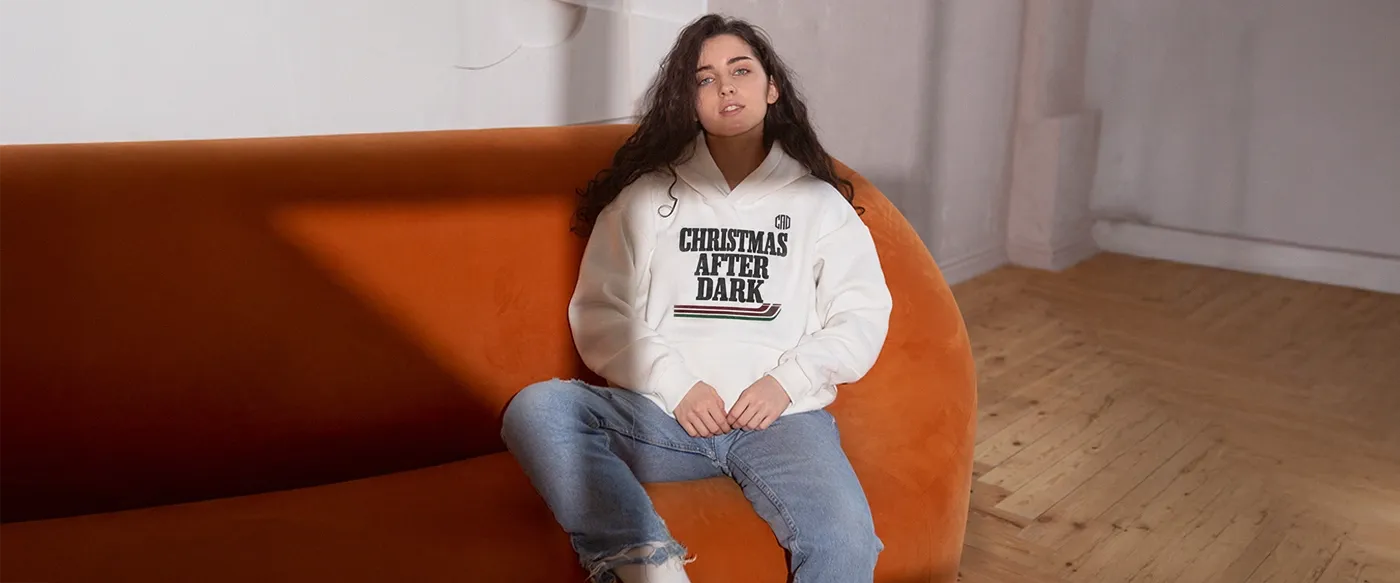
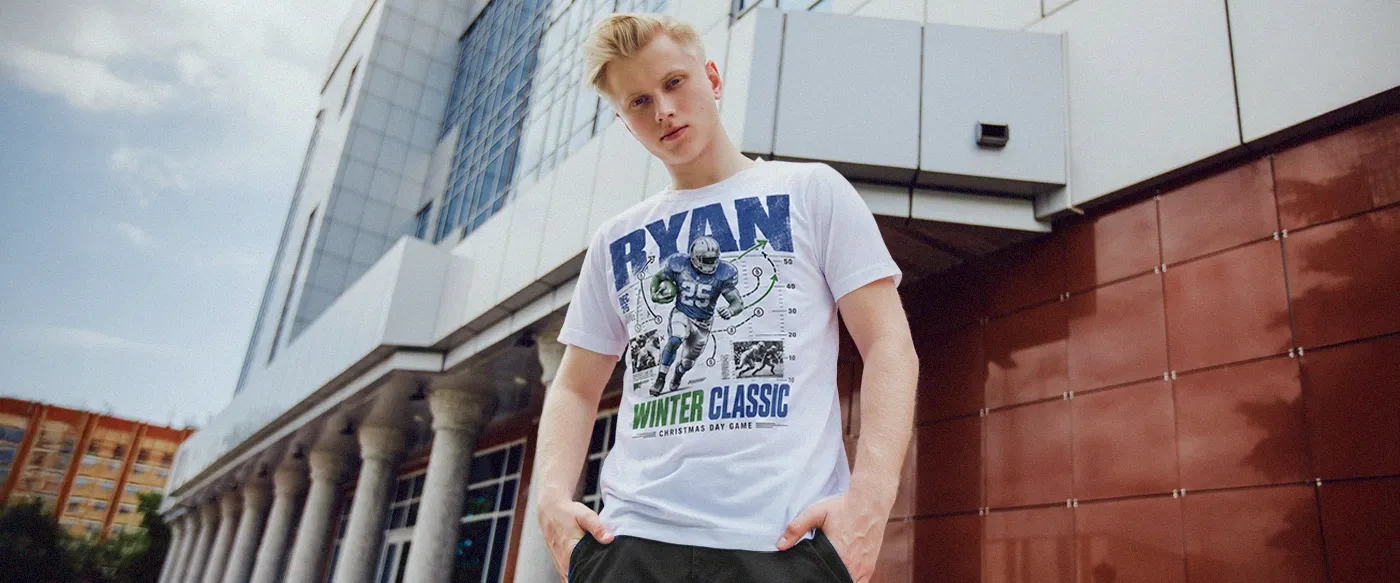
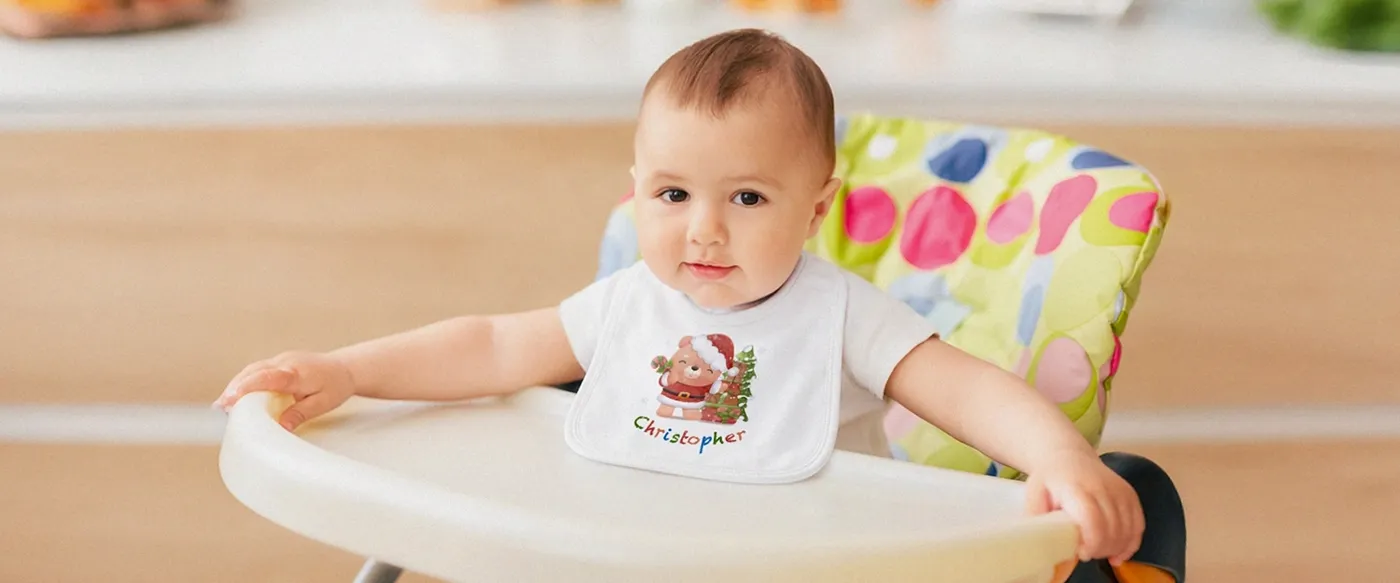
  • Apparel (12 products): T-Shirt, Hoodie Unisex, Unisex T-shirt Bella Canvas 3001, Unisex T-shirt Gildan 5000, Unisex T-shirt Stanley Stella Creator 2.0, Unisex Hoodie Gildan SF500, Unisex Hoodie B&C WU33B, Unisex Hoodie Stanley & Stella Cruiser 2.0, Unisex Sweatshirt Gildan SF000, Unisex Sweatshirt Stanley & Stella Roller, Unisex Sweatshirt Stanley & Stella Changer 2.0, Baby Bib. 
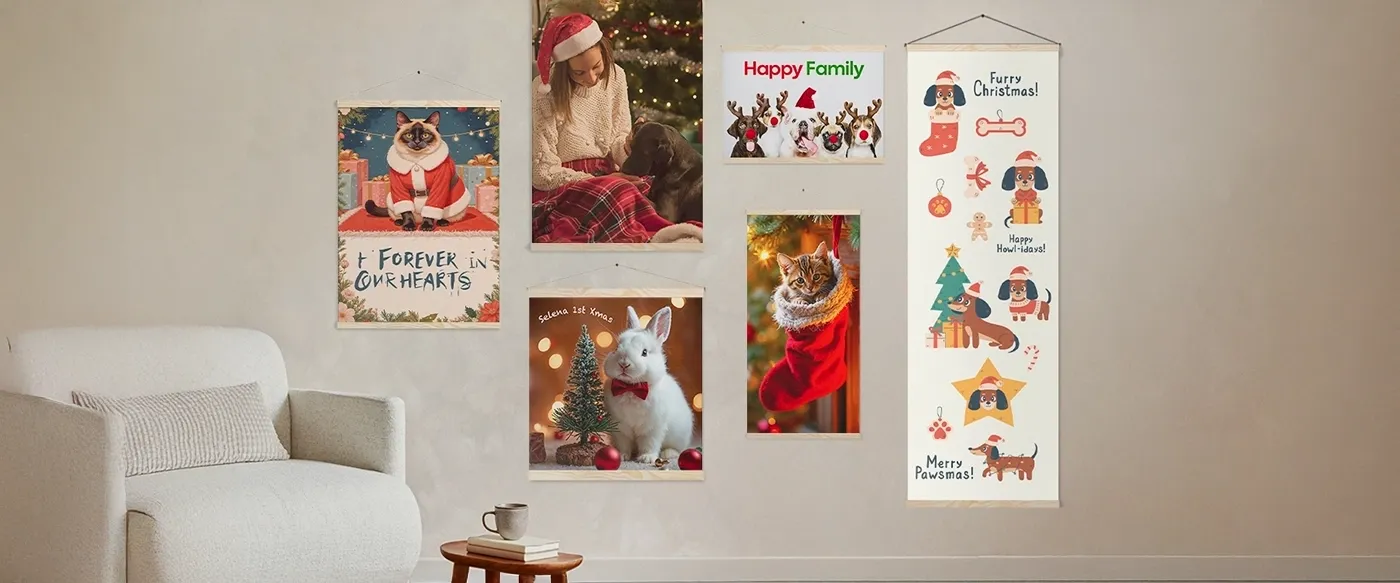
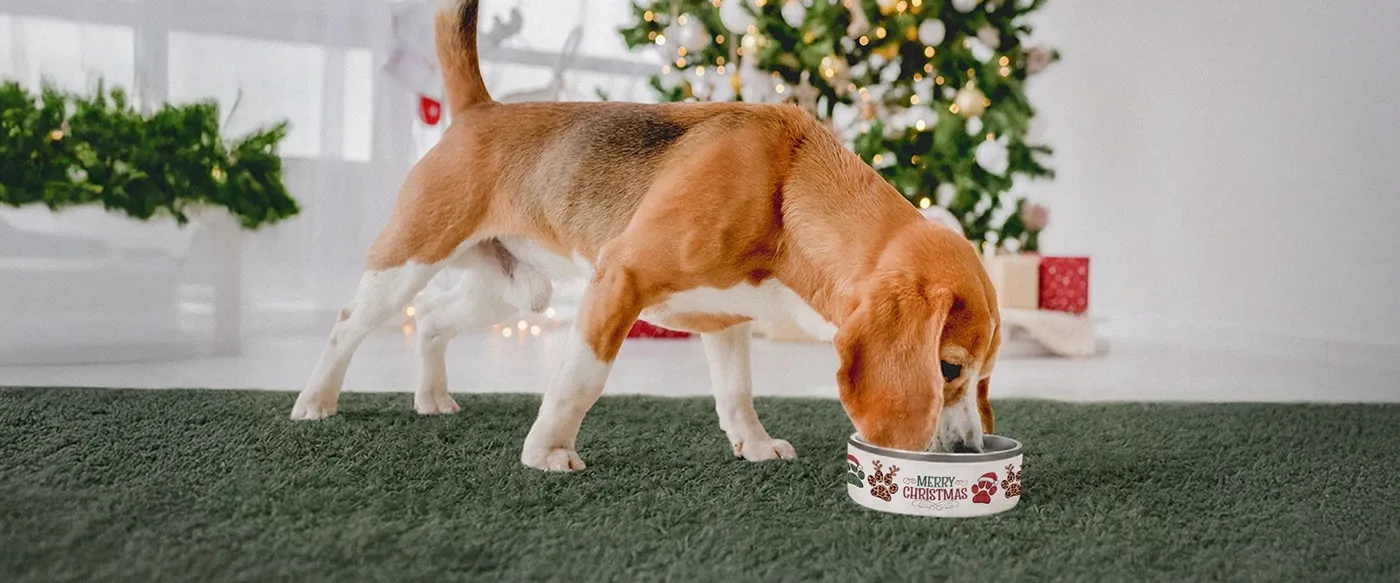
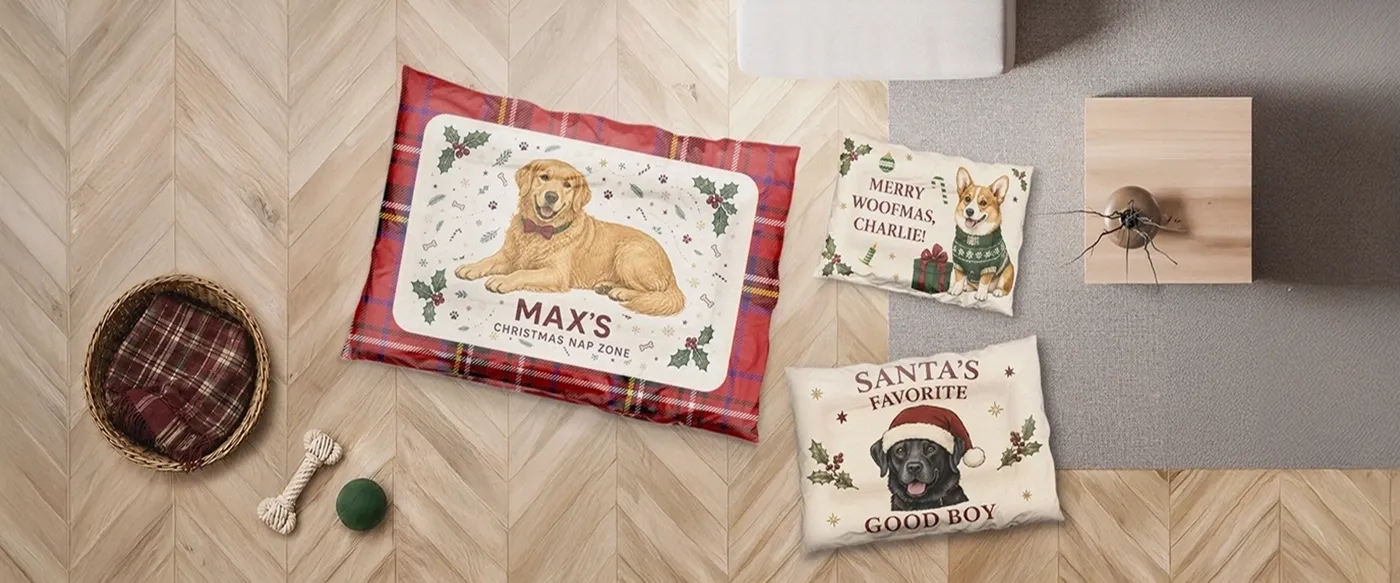
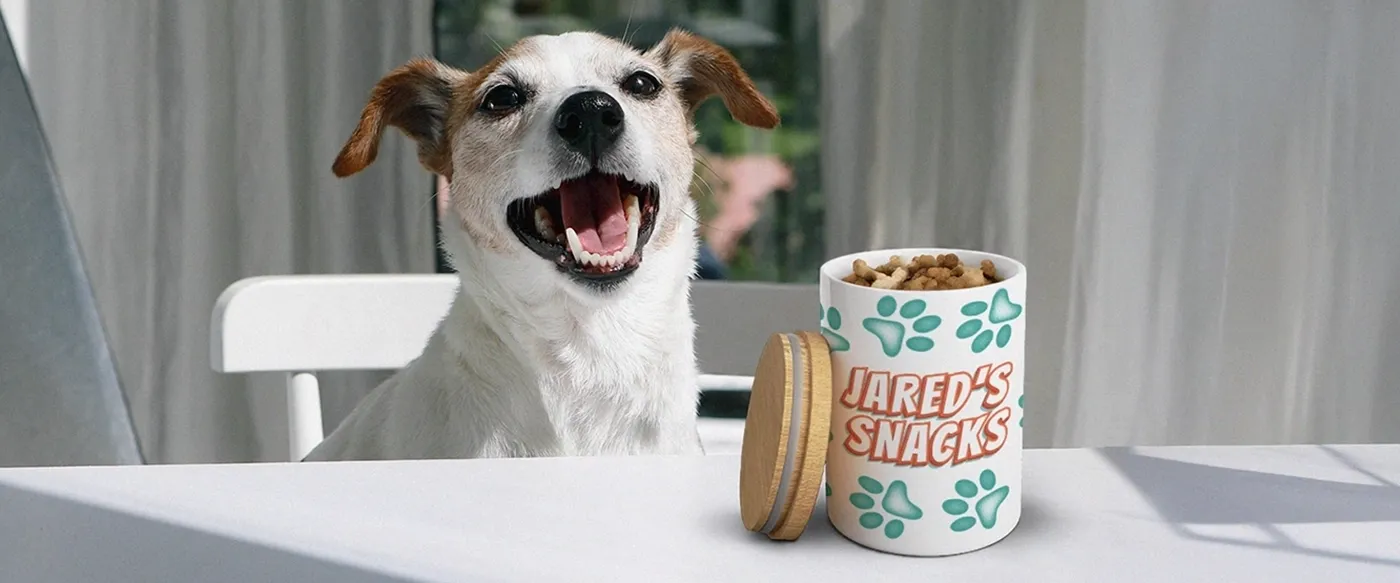
  • Pet Products (3 products): Dog Pillow, Dog Bowl, Treat Jar. 

Products outside the integrated list remain available through direct merchOne integration. The Teeinblue catalog also continues to expand as merchOne adds new items on a rolling basis. 

Which merchOne products sell best on Teeinblue? 

Which merchOne products sell best on Teeinblue?  • merchOne

The strongest starting points are products that already carry order volume across the Teeinblue-merchOne seller network. Aggregate order data from Teeinblue shows a clear leaderboard, with a handful of products consistently outperforming the rest: 

  • Canvas – the clear top product. The wide print area is forgiving for new sellers, and the perceived value as a gift supports higher pricing. 
  • Poster and Framed Poster – strong margins across multiple size variants, so a single design can extend across several price points. 
  • Classic Mug – low base cost and broad gift appeal. The most accessible entry point in the home decor category. 
  • Premium Pillow – the leading personalized pillow option, with particularly strong performance during Mother’s Day and Christmas. 
  • Standard Blanket – high average order value, especially on family-photo and memorial designs. 
  • Metal Print – a premium wall product with strong margins on photo personalization. 
  • Cotton Pillow – popular in the EU market. 

The pattern is consistent across the top performers: wide print areas, strong gift-season demand, and predictable print behavior. For a new store, a 30×40 cm Canvas with a single text personalization field is the safest place to start. The print area is generous, the base cost is manageable, and it remains the product Teeinblue-merchOne sellers return to most often. 

Source: aggregate reseller order data from Teeinblue’s merchOne integration. 

Trending: Canvas and Poster with Gen AI Image Effects 

Trending: Canvas and Poster with Gen AI Image Effects  • merchOne

One of the strongest trends in personalized POD over the past year has been Gen AI Image Effects on Canvas and Poster – and Teeinblue’s Gen AI Effect feature has made it accessible to merchOne sellers without any custom development. According to Teeinblue’s own market insight, the feature generated 106,202 AI images in its first month after release, averaging 3,319 images per day across its seller network. 

Here’s how it works on the storefront. A customer uploads a photo (themselves, a pet, a family portrait), then the AI applies a visual effect based on a prompt the seller has set in advance. Common examples include turning a portrait into a watercolor painting, a vintage oil painting, a cartoon illustration, an anime-style portrait, or a sketch artwork. The customer sees the AI-generated result in the live preview, and once they’re happy with it, they check out. Teeinblue routes the AI-styled image into a print-ready Canvas or Poster file and sends the order to merchOne for production. 

The reason this trend works so well on Canvas and Poster specifically: these products have large print areas, high perceived value, and customers expect “artistic” output – so an AI-styled image fits the buyer’s mental model of what they’re paying for. A portrait styled as a watercolor painting reads as a premium art piece on a 40×60 cm Canvas, even though the customer’s input was just a phone photo. 

Teeinblue currently integrates with three AI providers for image generation: 

  • OpenAI (gpt-image-1) – the strongest model for stylistic transformations and creative artistic conversion. Best for turning a customer photo into a fundamentally different visual style (watercolor, oil painting, illustration). Tends to alter more of the original details, which makes it ideal when style fidelity matters more than facial likeness. 
  • Flux Kontext (Pro and Max) – the strongest models for identity preservation. Best for portrait products where the customer’s face or composition must stay recognizable. Flux Kontext Max adheres to prompts more precisely than Pro and is the safer pick for controlled image-to-image edits. 
  • Gemini (Nano Banana) – strong on text rendering, spatial reasoning, and consistency across multiple reference images. A good option when the artwork combines AI-styled photos with readable text elements. 

Setup runs through Teeinblue’s Extras > 3rd-party Services > Gen AI Effect menu. The seller signs up for an account with one of the AI providers, generates an API key, and pastes it into Teeinblue. Each provider uses its own pricing model – Flux Kontext charges a flat rate per image-to-image request, while OpenAI and Gemini charge per token plus an image generation fee. For current pricing details, check the provider’s official documentation. The Reference Image feature works across all three providers, letting sellers maintain a consistent style or outfit across every customer order. 

One thing to flag for sellers heading into Q4: newer model versions (Nano Banana Pro, GPT-image-1.5, Flux 2 Kontext) apply stricter content rules for commercial API use, and copyrighted brand styles (Disney, Ghibli, Pixar, LEGO, Warner Bros) may be blocked depending on the provider. Generic style descriptors like “watercolor”, “oil painting”, “anime style”, “cartoon illustration”, or “vintage sketch” are safer for prompts intended to scale across thousands of customer orders. 

For a merchOne seller looking for the next category to test, AI-styled portrait Canvas products are one of the natural entry points to evaluate. The combination of merchOne’s wide Canvas print areas, Teeinblue’s live preview, and Gen AI styling turns a simple customer photo into a high-value wall art listing. 

How to add personalization to a merchOne product 

With the integration live, building a personalized product inside Teeinblue runs in four steps: 

  1. Import the product from the merchOne catalog. One click pulls in mockups, sizes, SKUs, and print areas. 
  2. Open the Artwork Editor and upload the base design. This is the static layer of the design, the artwork that stays the same across every order. The customer’s input sits on top of it. 
  3. Add personalization layers. Text fields, photo uploads, font selectors, and color pickers. Conditional logic can be applied where needed. For Gen AI products, toggle on the Gen AI Effect feature and enter your style prompt. 
  4. Save the artwork, link it to the imported merchOne product, then publish to your Shopify store as a complete personalized listing on the product page. 

Before going live, run a test order from your own store. It catches print misalignments, missing personalization fields, and DPI issues that the editor preview won’t show. A single avoided refund typically covers the cost of the test sample. 

Print quality tips for custom merch 

Print quality on personalized merchOne products comes down to six rules that apply across the catalog: 

  • Design base files at 300 DPI minimum. Lower resolutions look soft on canvas and acrylic. 
  • Match Teeinblue’s print area dimensions exactly. Don’t resize or crop after import. 
  • Avoid hairline strokes thinner than 1pt. They drop out on DTG and sublimation prints. 
  • Use high-contrast color palettes for canvas and acrylic. Low-contrast designs lose detail on both surfaces. 
  • Turn on the DPI warning for customer photo uploads. This requires customers to upload a higher-resolution image before checkout, rather than discovering the issue at delivery. 
  • Order a physical sample of every new product before launching it. merchOne sells samples at base price, and they typically reveal print details the digital preview misses. 

The DPI warning is the most consequential setting in the workflow. Most refund requests on customer-uploaded photos trace back to a low-resolution image that cleared checkout without a warning in place. 

Common launch mistakes to avoid 

Five mistakes account for most of the avoidable issues on a new personalized product: 

  • Skipping the test order. The editor preview doesn’t show every defect; the actual print file does. 
  • Using one artwork across multiple size variants. Print areas differ by size, and a single shared file usually crops poorly on at least one variant. 
  • Leaving the DPI warning off for customer photo uploads. 
  • Not updating the product description with personalization processing time on top of standard production. 
  • No clear returns policy explaining that custom merch isn’t returnable for buyer’s remorse, while production defects, print errors, and damaged-in-transit items are reprinted at no charge. 

A 15-minute check on all five before launch typically prevents a week of avoidable support tickets in the first season. 

Frequently asked questions 

What is Teeinblue and how does it work with merchOne? 

Teeinblue is a product personalization app available on Shopify, Etsy, and other website builders. It lets customers customize products with text, photos, and design choices directly on the product page, generates the print file at checkout, and routes the order to a fulfillment partner. For merchOne sellers, the integration is API-direct: the merchOne catalog imports into Teeinblue with one click, orders flow through automatically after a dashboard review, and tracking syncs back to Shopify on its own. 

How long does it take to add personalization to a merchOne product? 

Plan on 30 to 60 minutes for the first product, assuming the merchOne account is already set up and the base design is ready. The Teeinblue-merchOne integration itself takes 10 to 15 minutes through the 9-step setup. The remaining time covers importing the product, adding text and photo fields, linking it to Shopify, and running a test order. Each new product after the first one runs faster, since the template patterns are already established. 

Which merchOne products work best for personalization? 

Based on aggregate order data from Teeinblue’s merchOne seller network, the highest-volume products are Canvas, Poster, Framed Poster, Classic Mug, Premium Pillow, Standard Blanket, Metal Print, and Cotton Pillow. Canvas leads by a wide margin. These products share three traits – wide print areas, predictable print behavior, and strong gift-season demand – which makes them the safest starting points for new sellers. 

What is Gen AI Image Effects on Teeinblue, and how does it work with merchOne products? 

Gen AI Image Effects is a Teeinblue feature that lets customers upload a photo and have AI apply a visual style (watercolor, oil painting, anime, cartoon illustration, sketch artwork, etc.) based on a prompt the seller has set in advance. The AI-styled output flows into a print-ready file and gets sent to merchOne for production. Teeinblue integrates with three AI providers: OpenAI (gpt-image-1) for stylistic transformations, Flux Kontext for identity preservation, and Gemini (Nano Banana) for text rendering and spatial reasoning. The trend works especially well on merchOne’s Canvas and Poster products, where large print areas and high perceived value match what buyers expect from an “artistic” personalized gift. 

How many merchOne products are available through Teeinblue? 

71 merchOne products are currently integrated with Teeinblue, split across wall decoration (26), home decor and accessories (30), apparel (12), and pet products (3). The remainder of the merchOne catalog stays available through direct merchOne integration, and new products are added to the Teeinblue interface on a rolling basis. 

Does Teeinblue work with Etsy and other platforms, or only Shopify? 

Teeinblue runs on Shopify, Etsy, and other platforms including WooCommerce, Magento, BigCommerce, Wix, and Shopline. The latter group is supported through the Boundless plan launched in March 2025. The deepest integration with merchOne is on Shopify, where catalog browsing, one-click import, order routing, and tracking sync all run natively through the API connection. Etsy and Boundless sellers using merchOne can still access fulfillment through direct merchOne integration, just without the Teeinblue interface layer. 

Sources: Teeinblue-merchOne integrated product catalog (May 2026); aggregate reseller order data from the Teeinblue merchOne integration; Teeinblue Gen AI Effect documentation; Technavio Personalized Gifts Market Report 2023-2028. 

Exclusive offer for merchOne sellers

Get 50% off Teeinblue for your first month

Install Teeinblue on Shopify through the link below and the 50% discount applies automatically for one month.

Install Teeinblue →

Discount auto-applies through this link only.


author avatar
Ngan Le SEO Specialist
SEO Specialist in the ecommerce and fulfillment industry, focused on driving organic growth and optimizing marketing campaigns to maximize sustainable sales performance. Passionate about data-driven strategies, search optimization, and conversion improvement to help brands scale effectively.